This guide was carried over from the previous documentation. Screen and menu names may differ slightly in the current version.
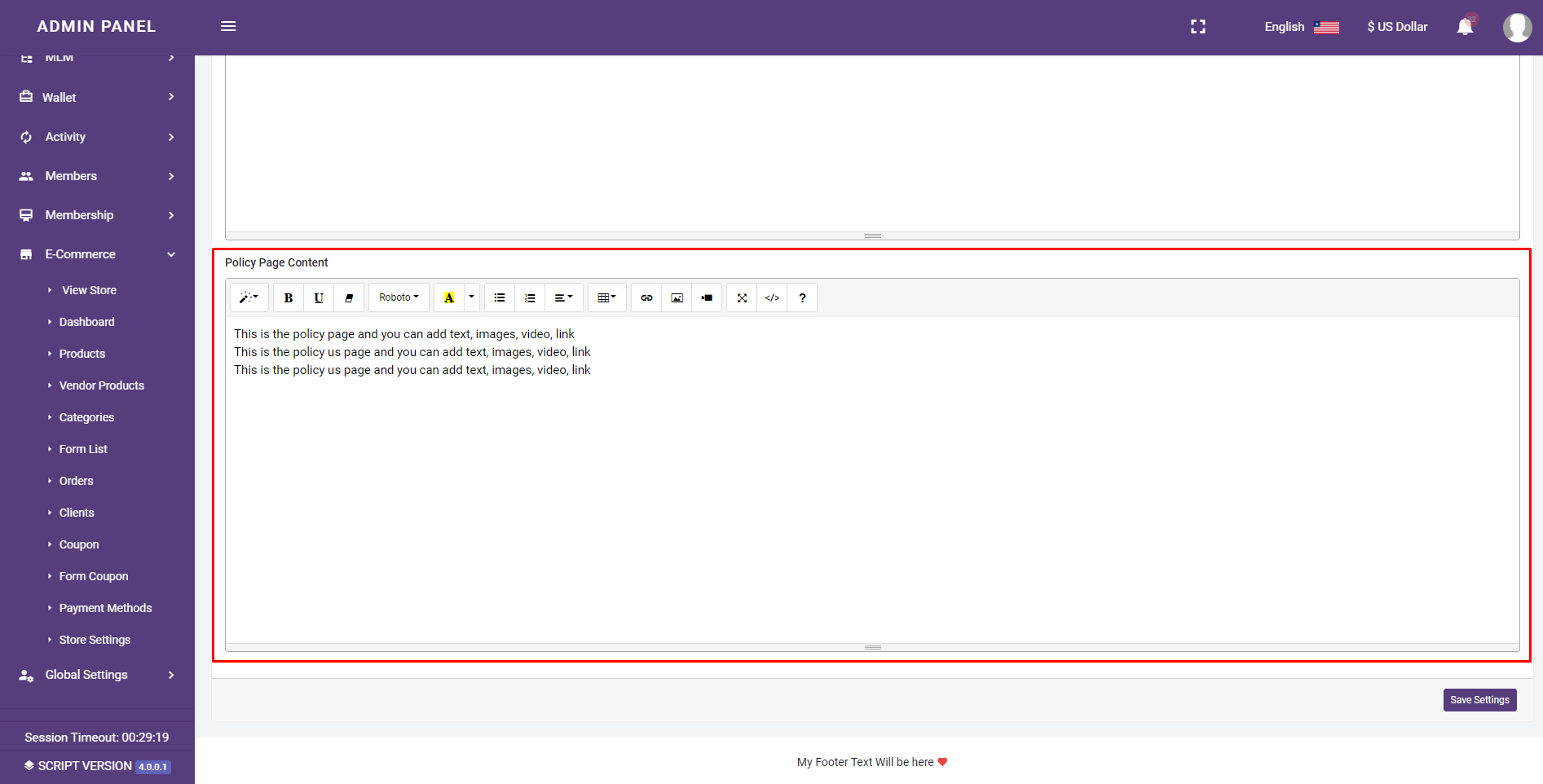
Navigate to E-Commerce>>store setting>>Pages and Menus and scroll to the bottom
You can edit the about us page, contact us page, and policy page content
You can add text, images, video, link to the content of this page
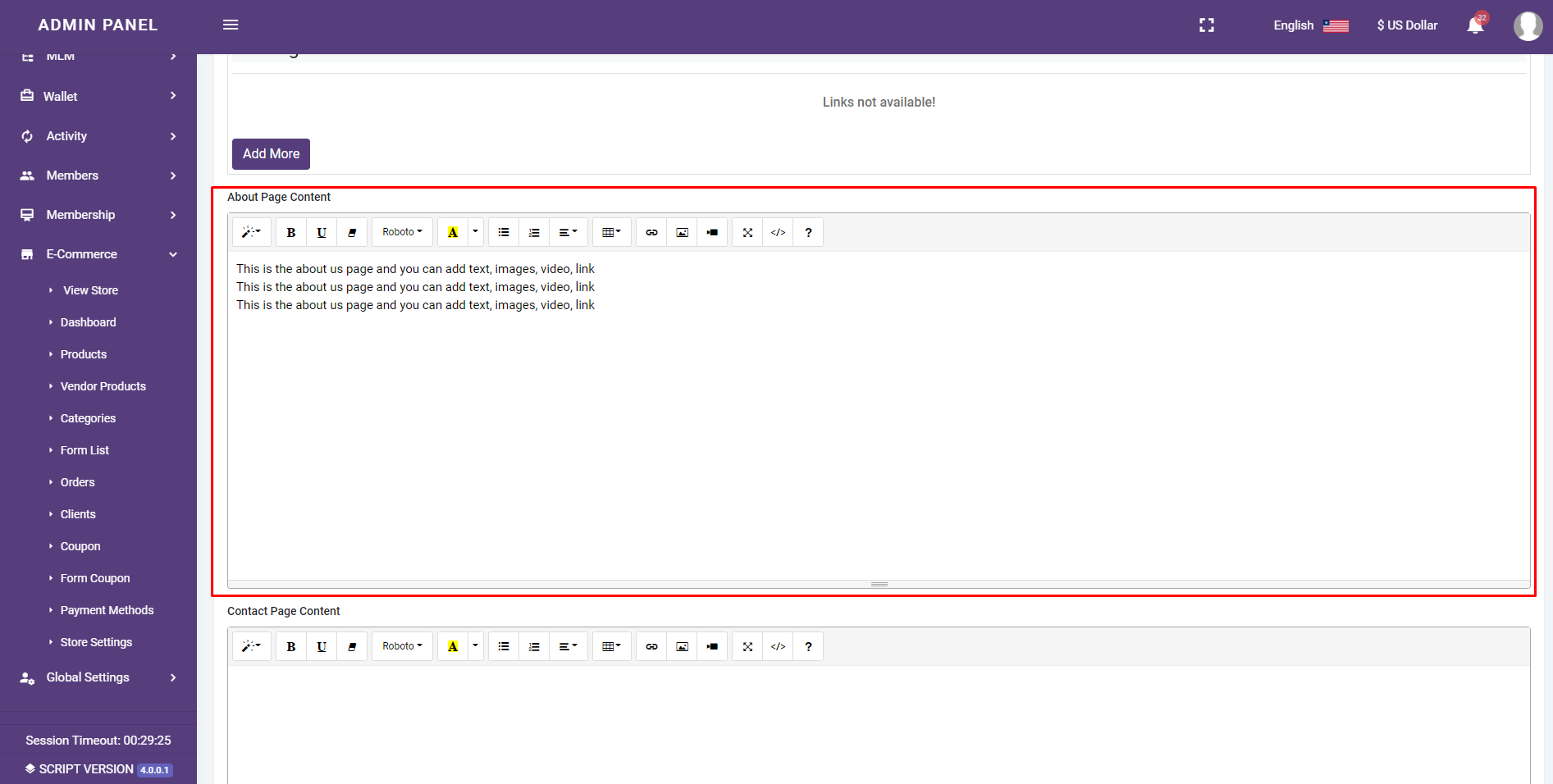
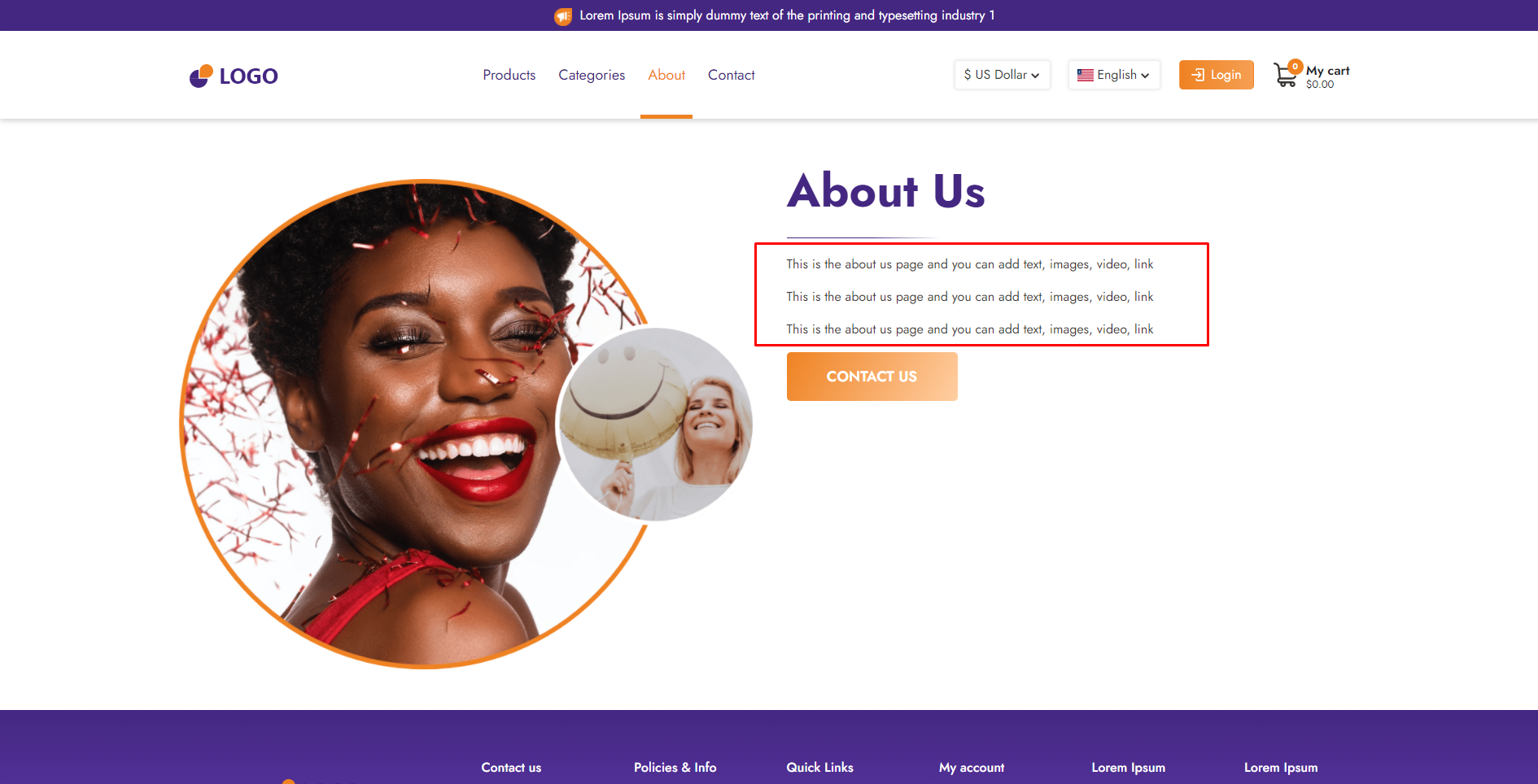
You can add text, images, video, link to the content of this page


You can add text, images, video, link to the content of this page