This guide was carried over from the previous documentation. Screen and menu names may differ slightly in the current version.
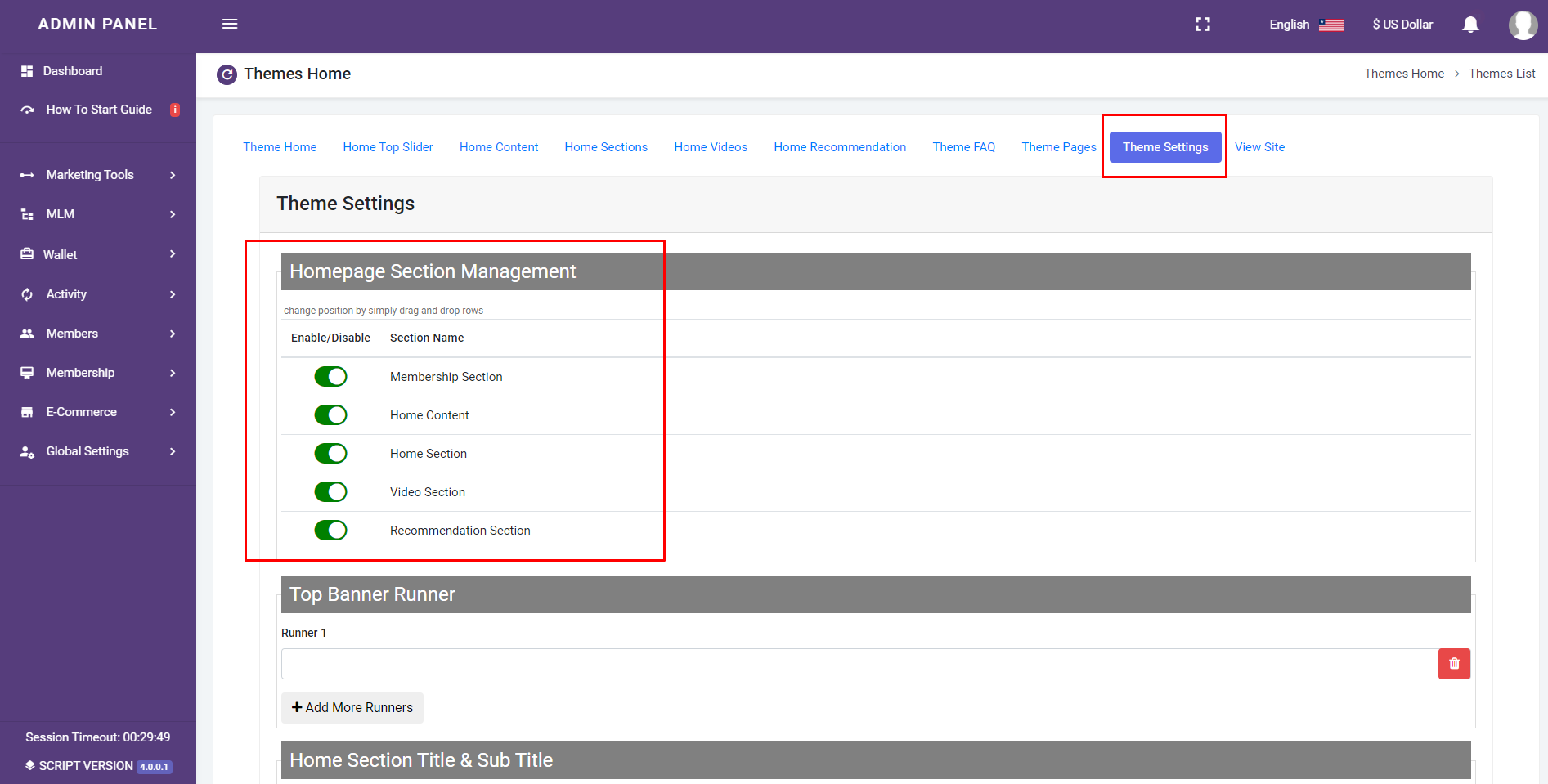
Theme Setting page:
you can add/edit/delete and fully customize Areas from all front side theme, using the theme setting page:
Enable Disable Theme Sections:
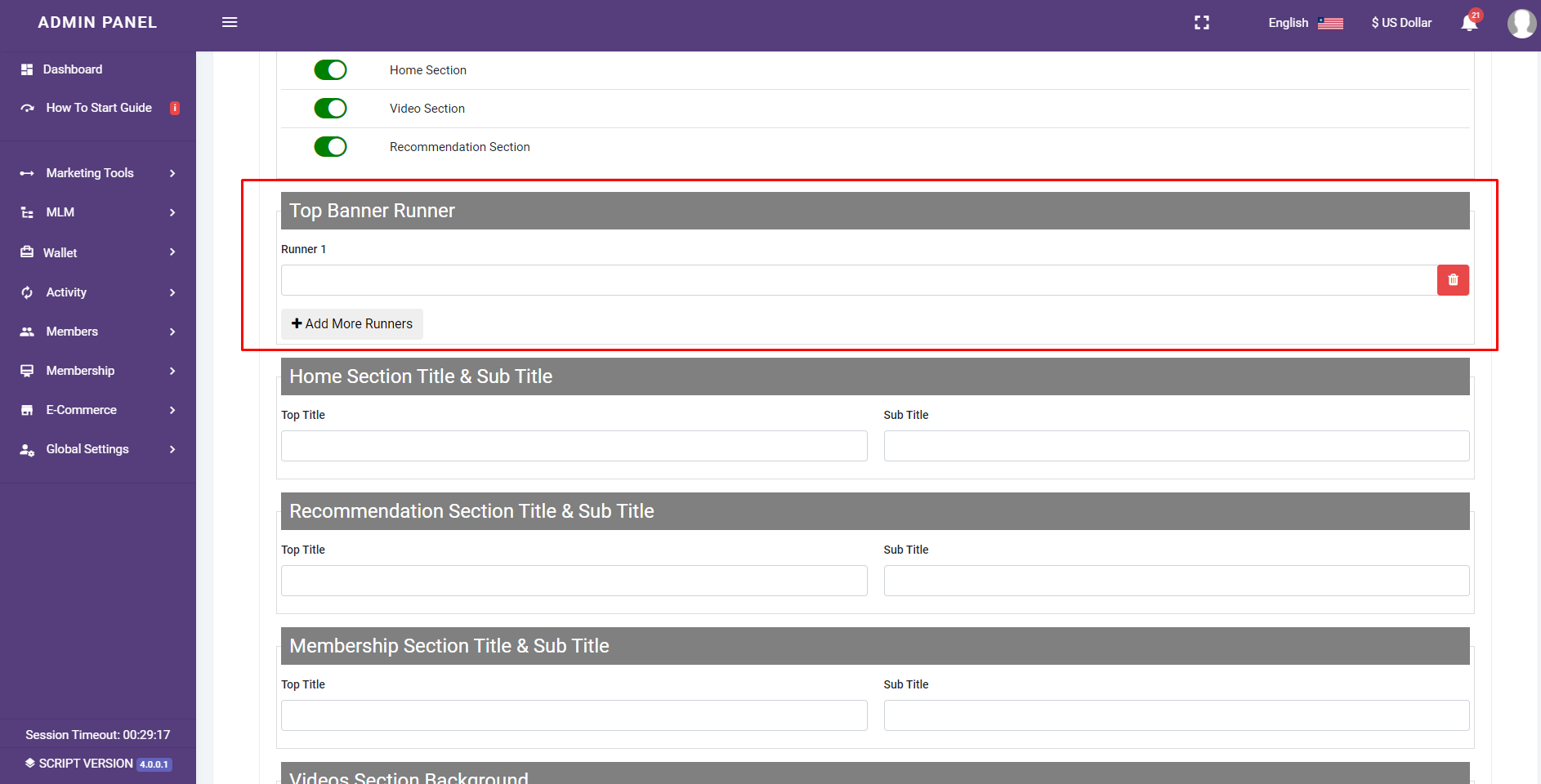
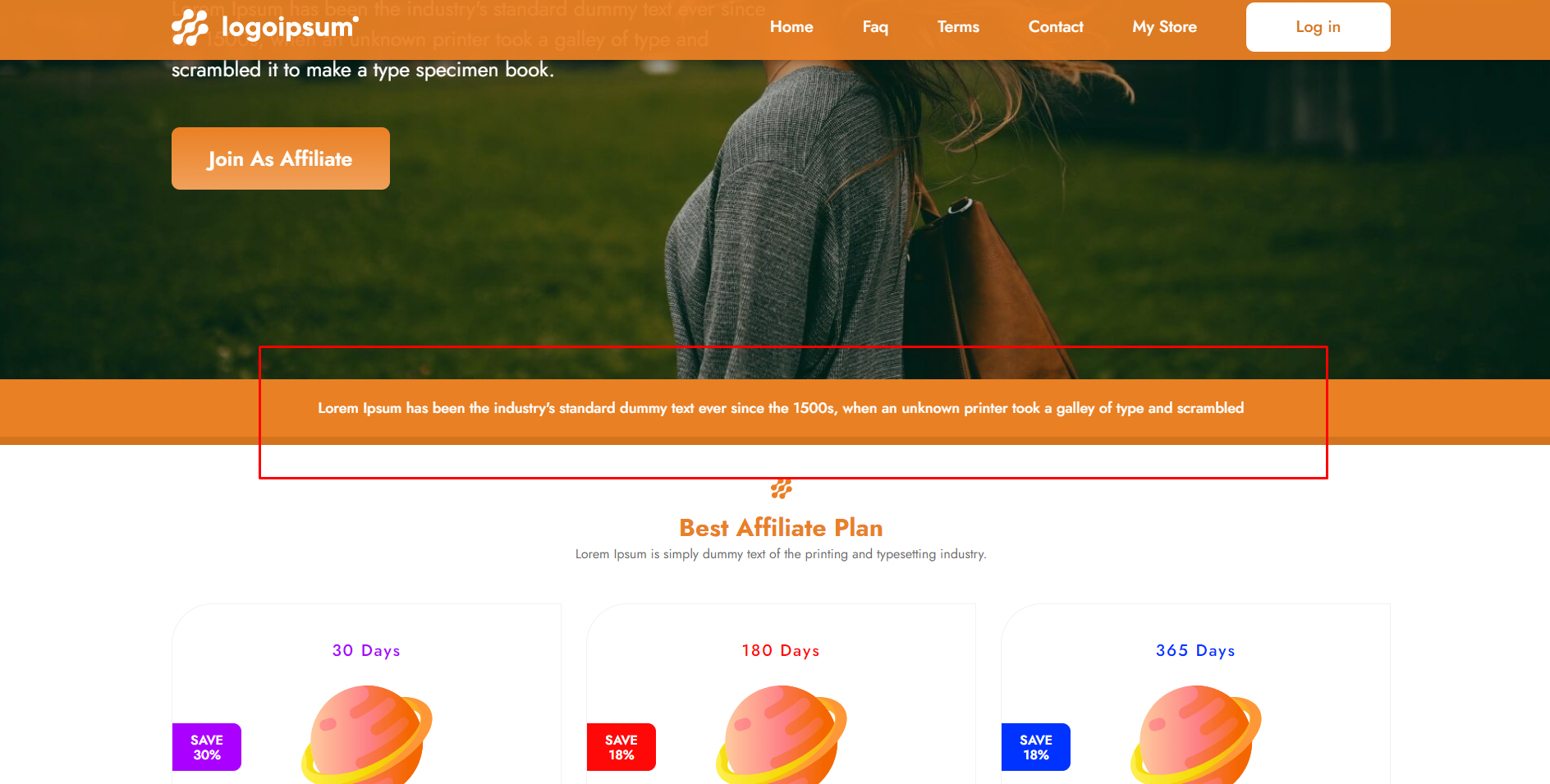
Add/Edit/Delete Theme Runner Banner Section:
Add/Edit/Delete Theme Home Section Area:

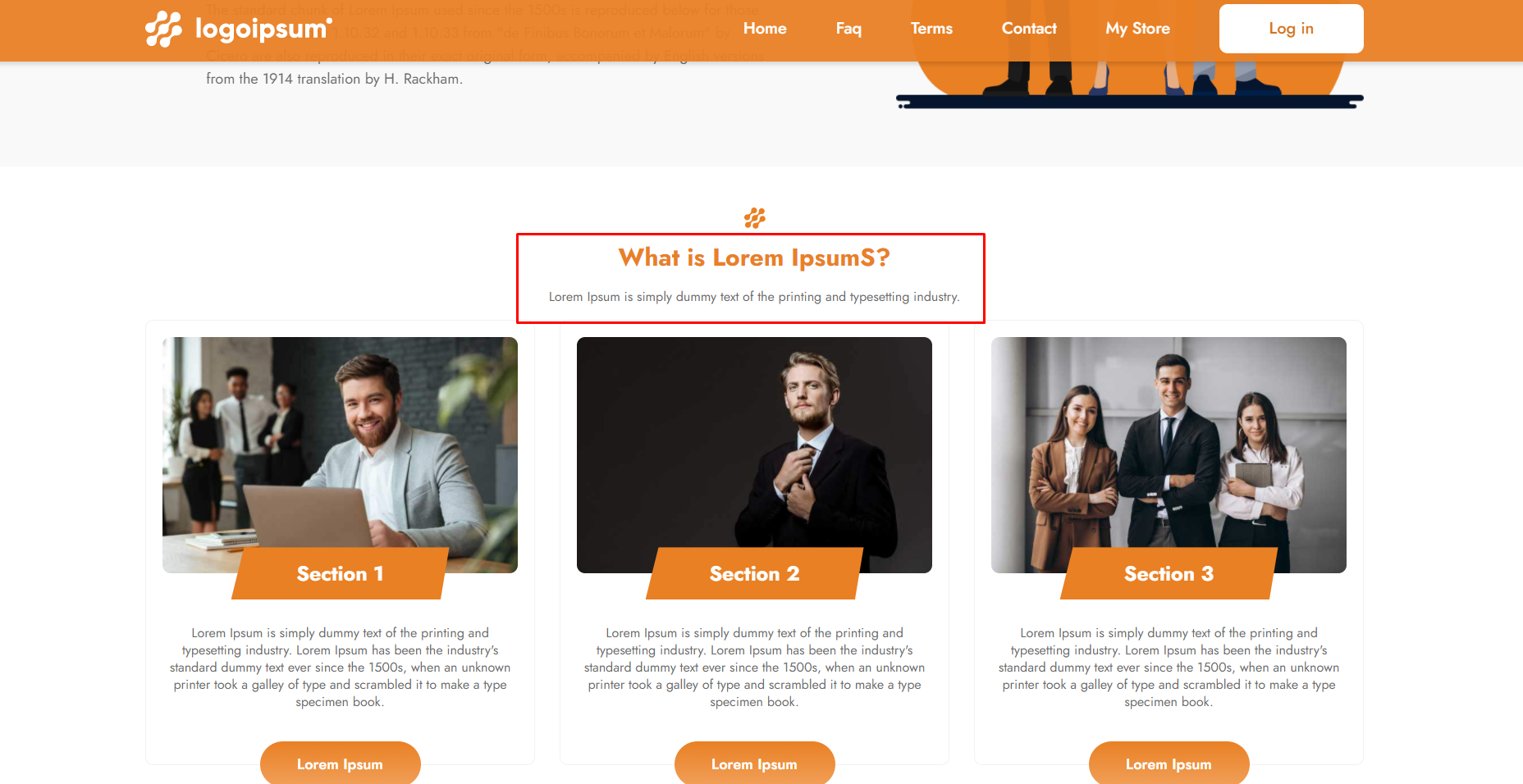
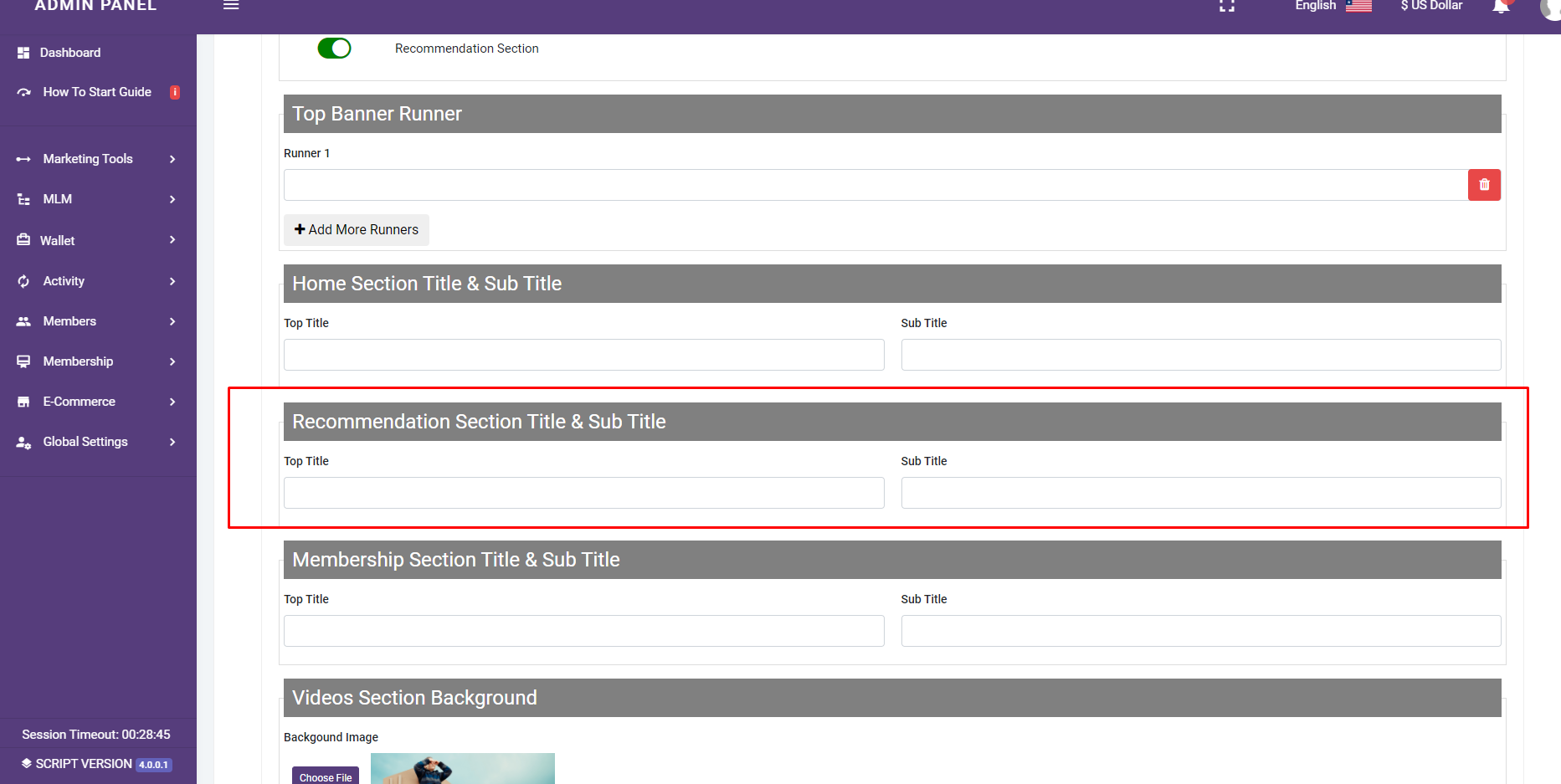
Add/Edit/Delete Theme Recommendation Section:
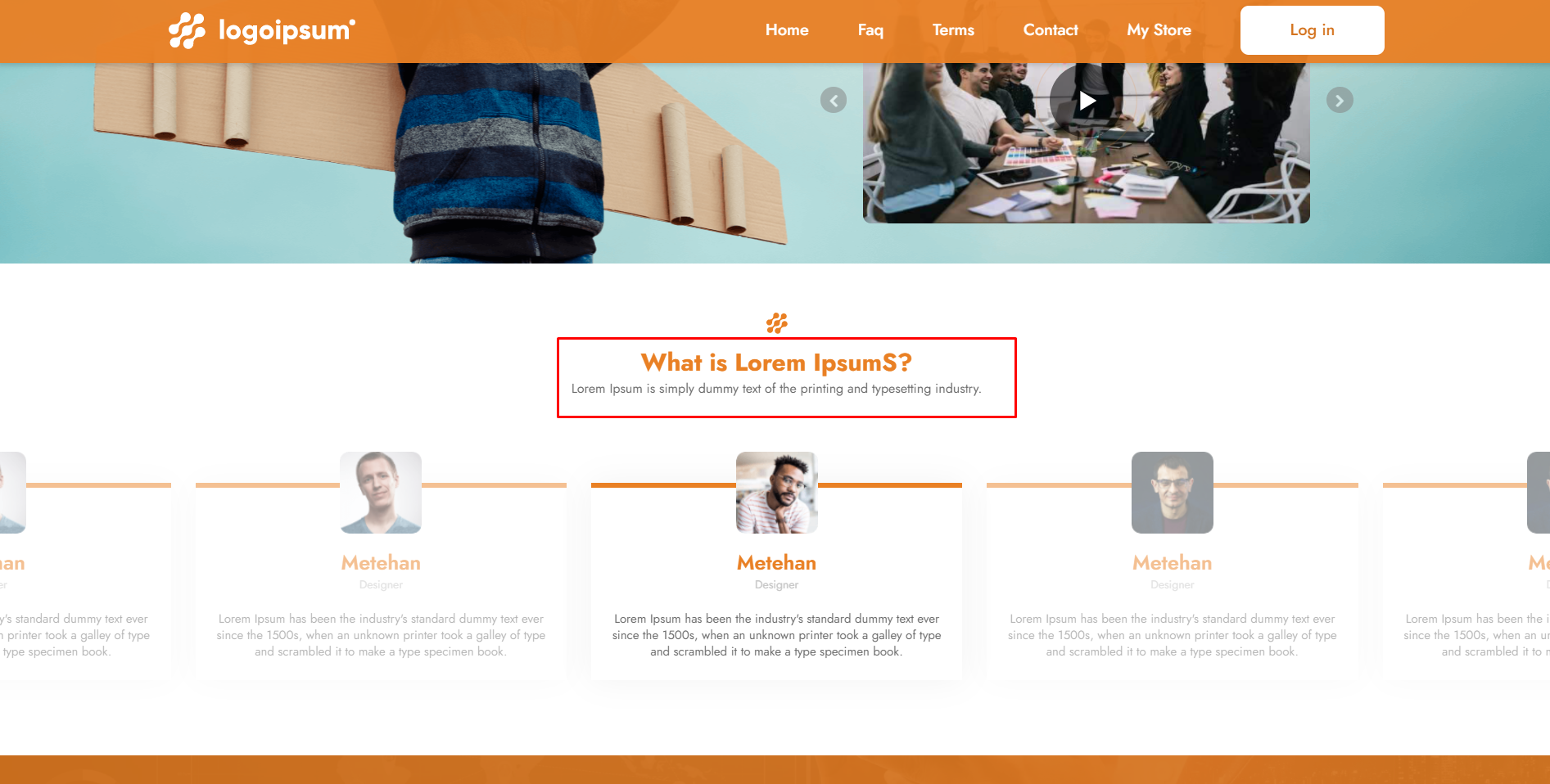
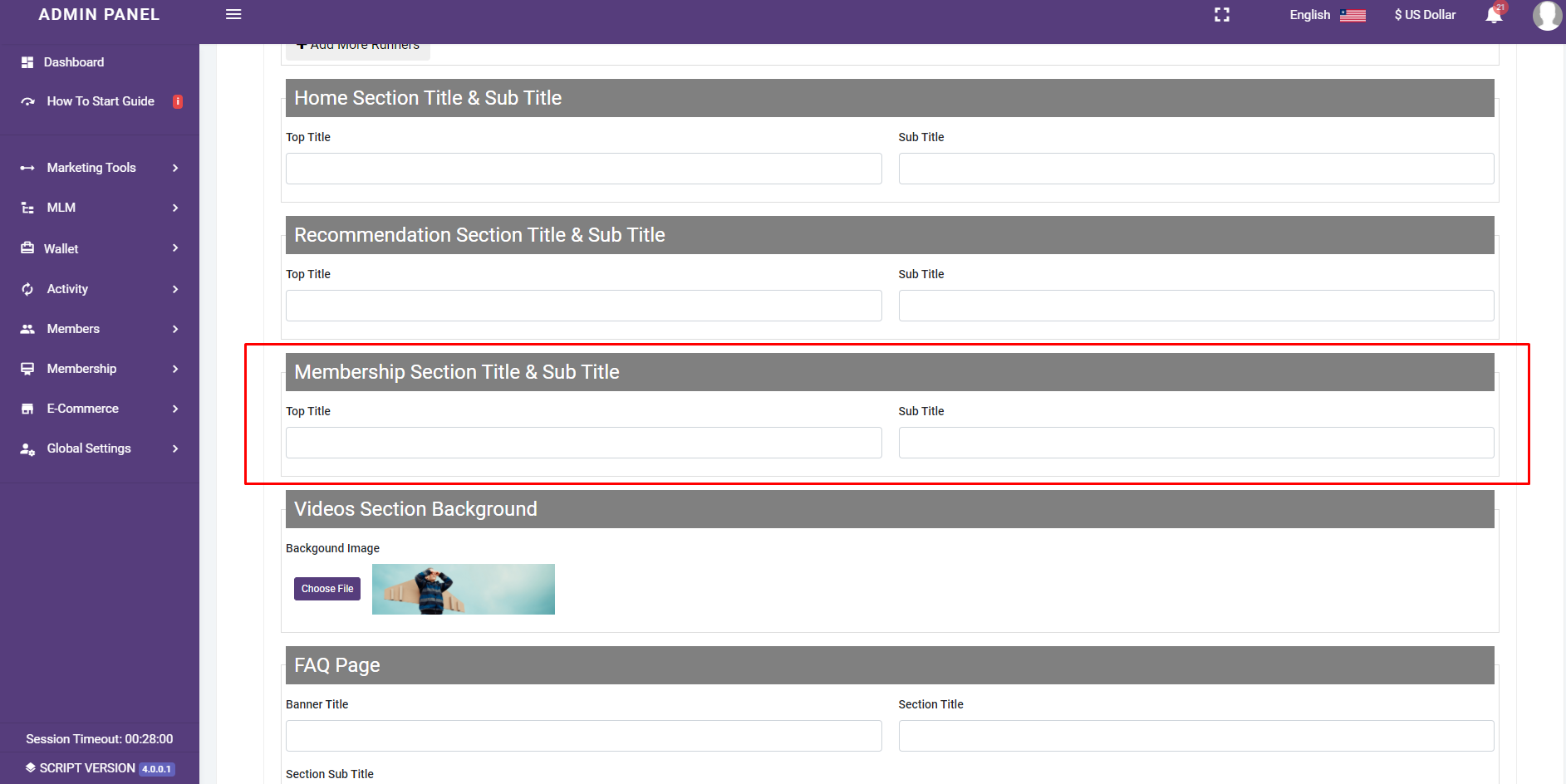
Add/Edit/Delete Theme Membership Section:
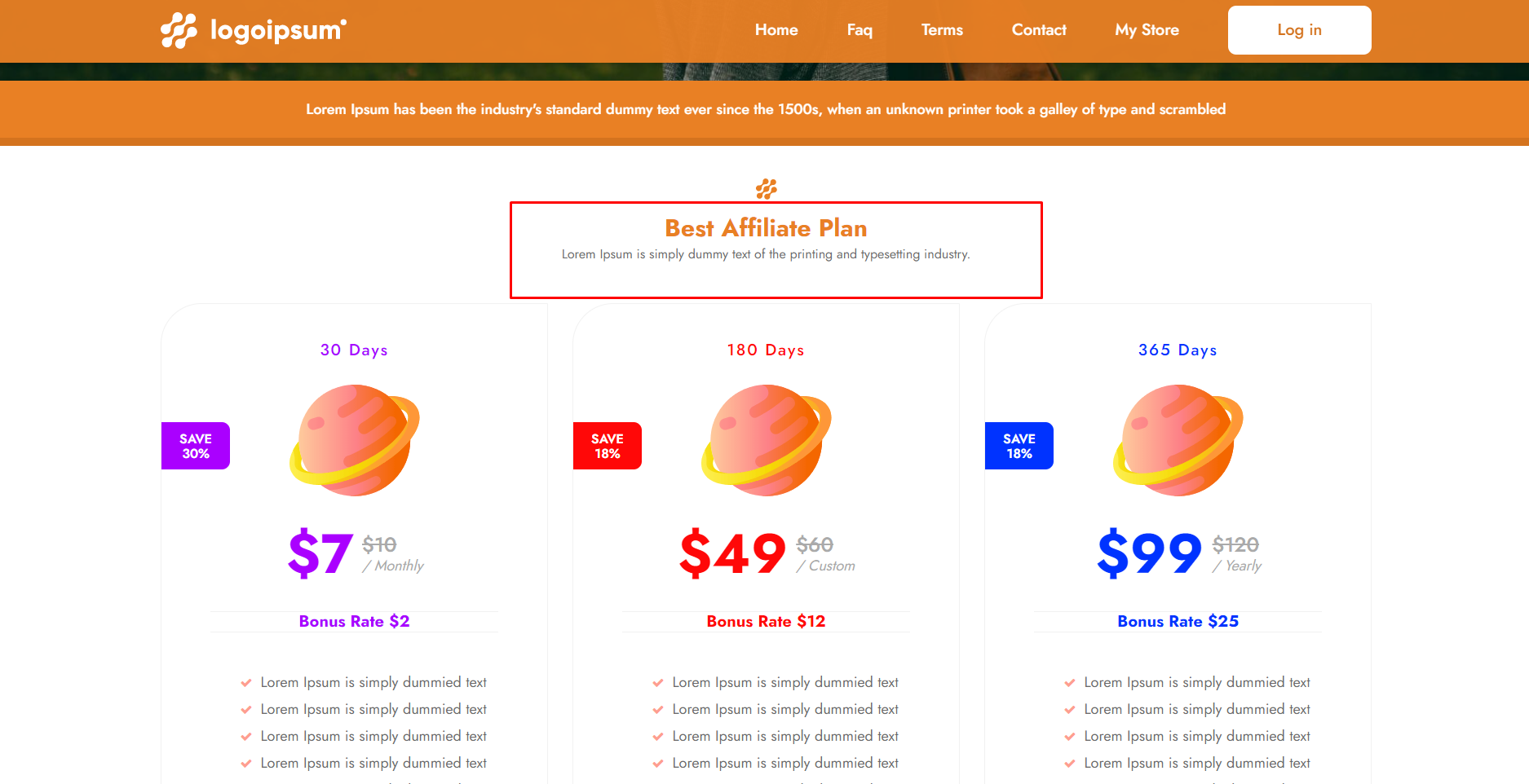
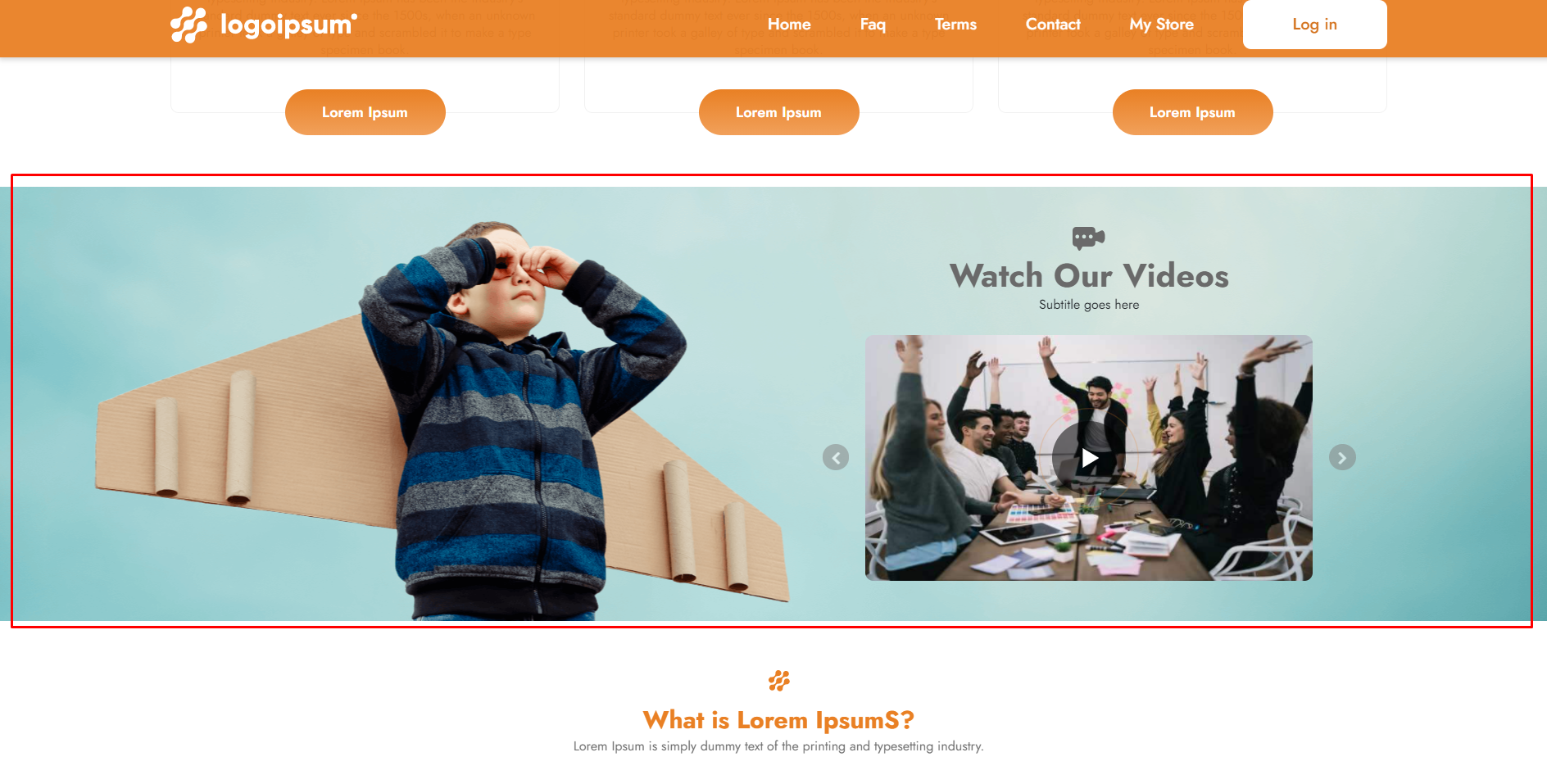
Add/Edit/Delete Theme Video Section:

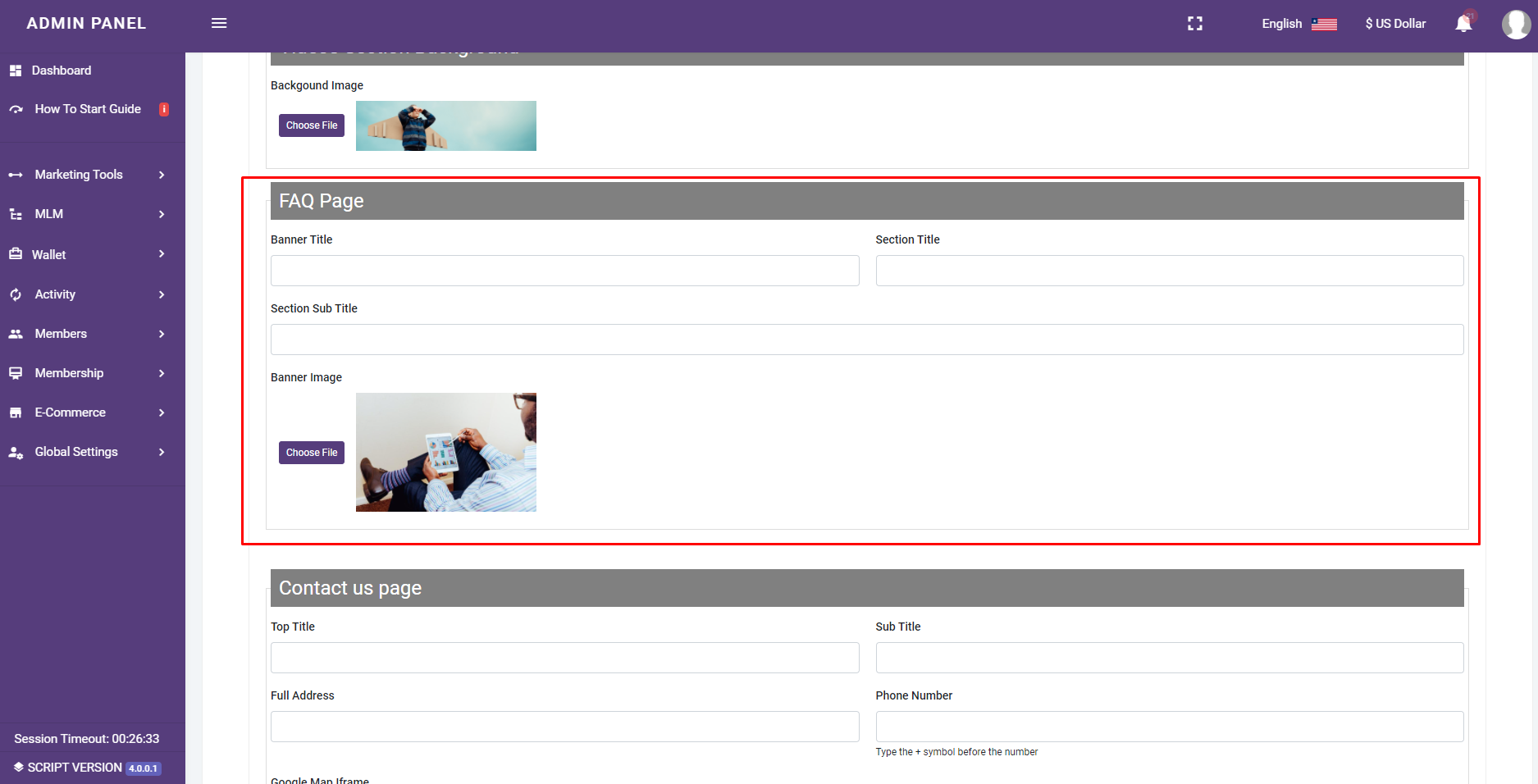
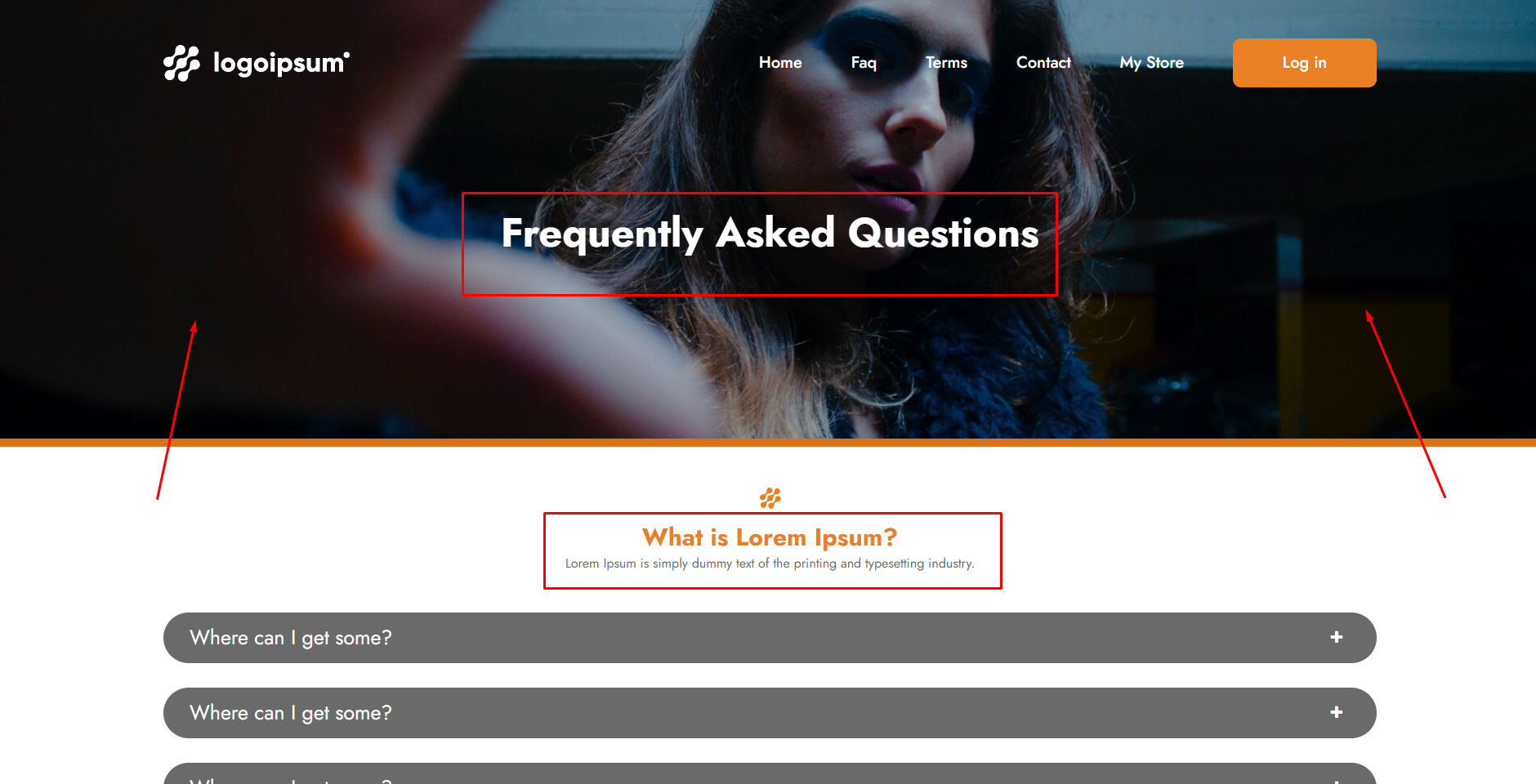
Add/Edit/Delete Theme FAQ Page:
Add/Edit/Delete Theme Contact Us Page:
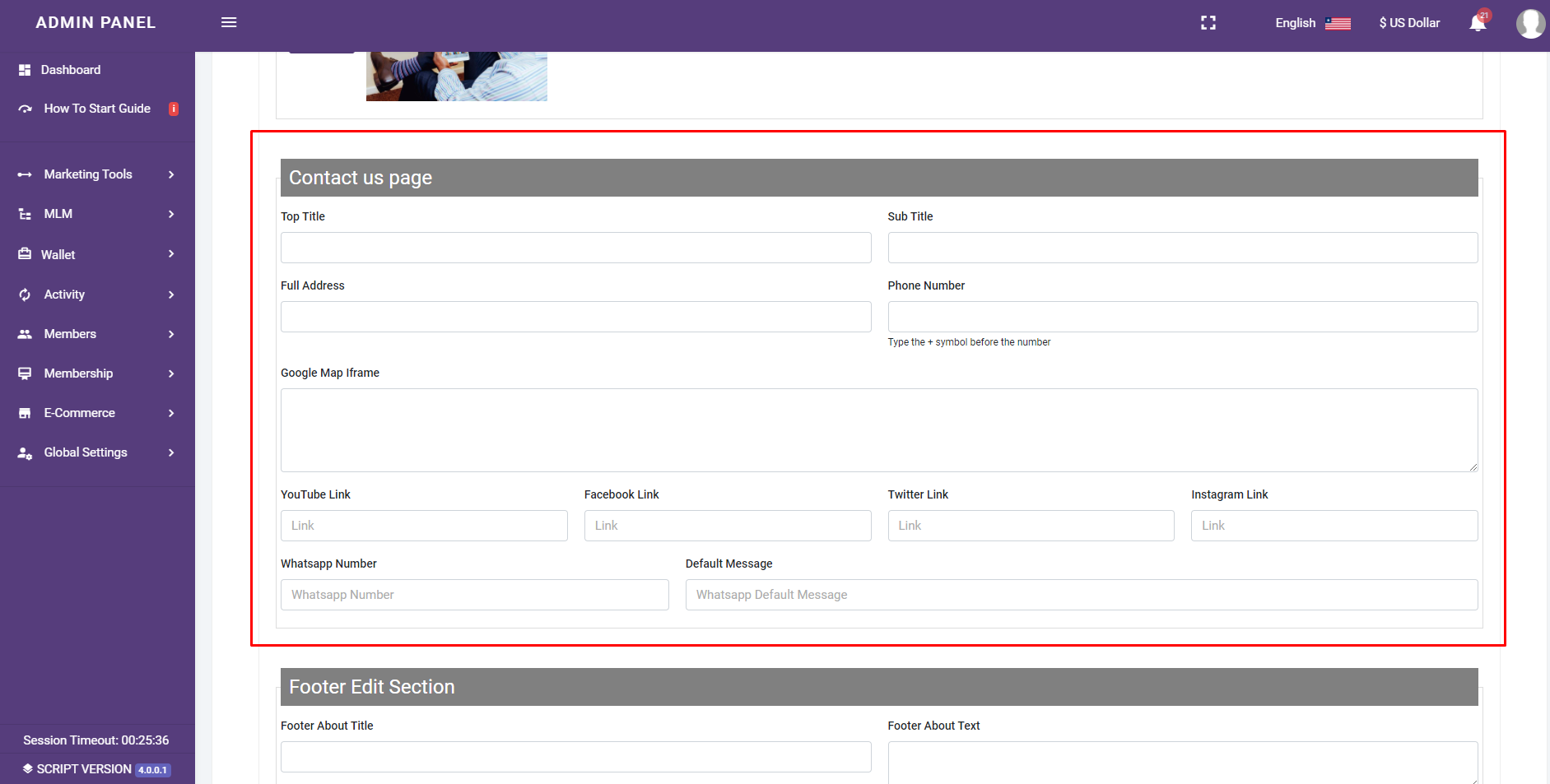
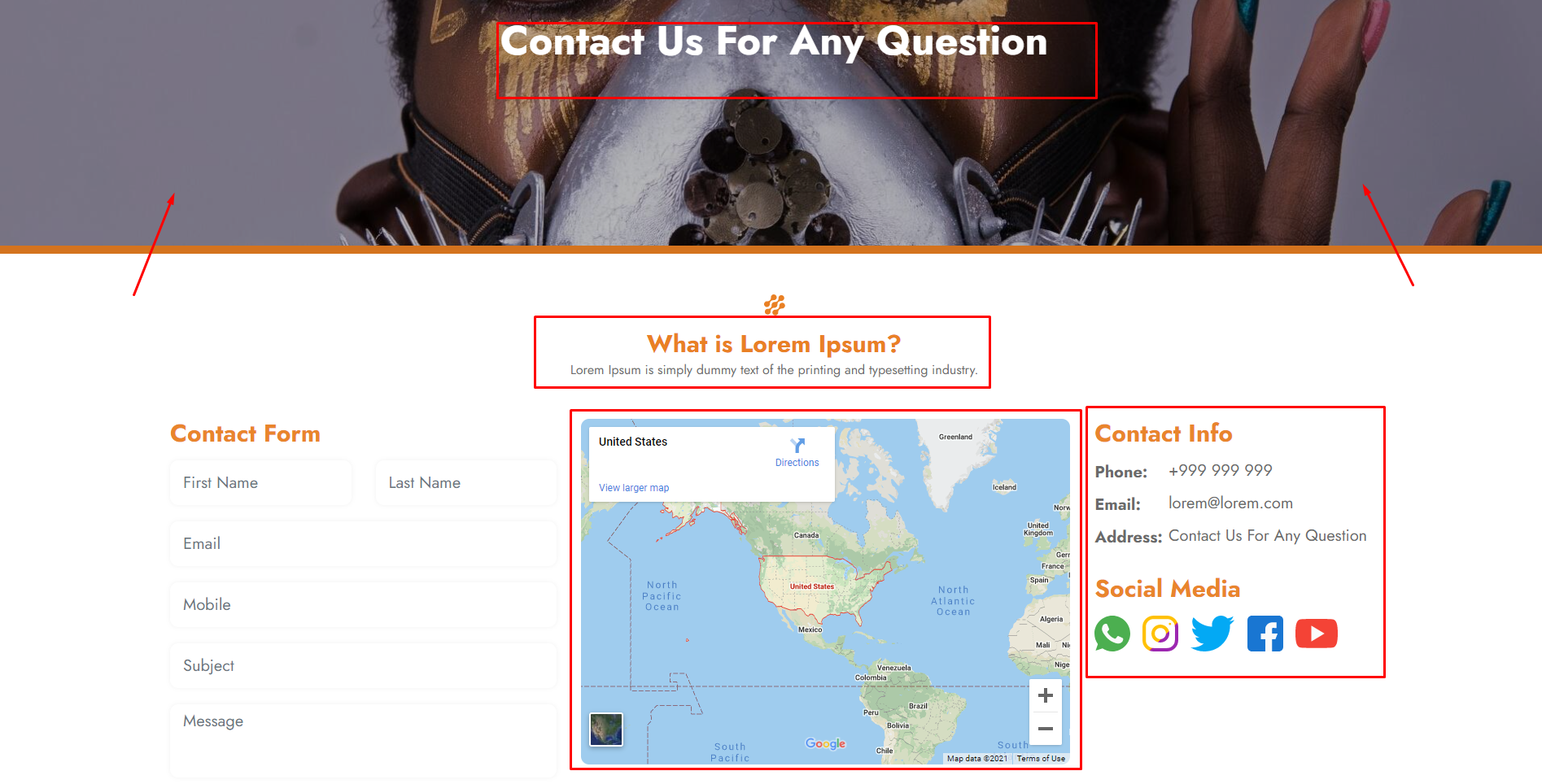
Add/Edit/Delete Theme Footer Section:
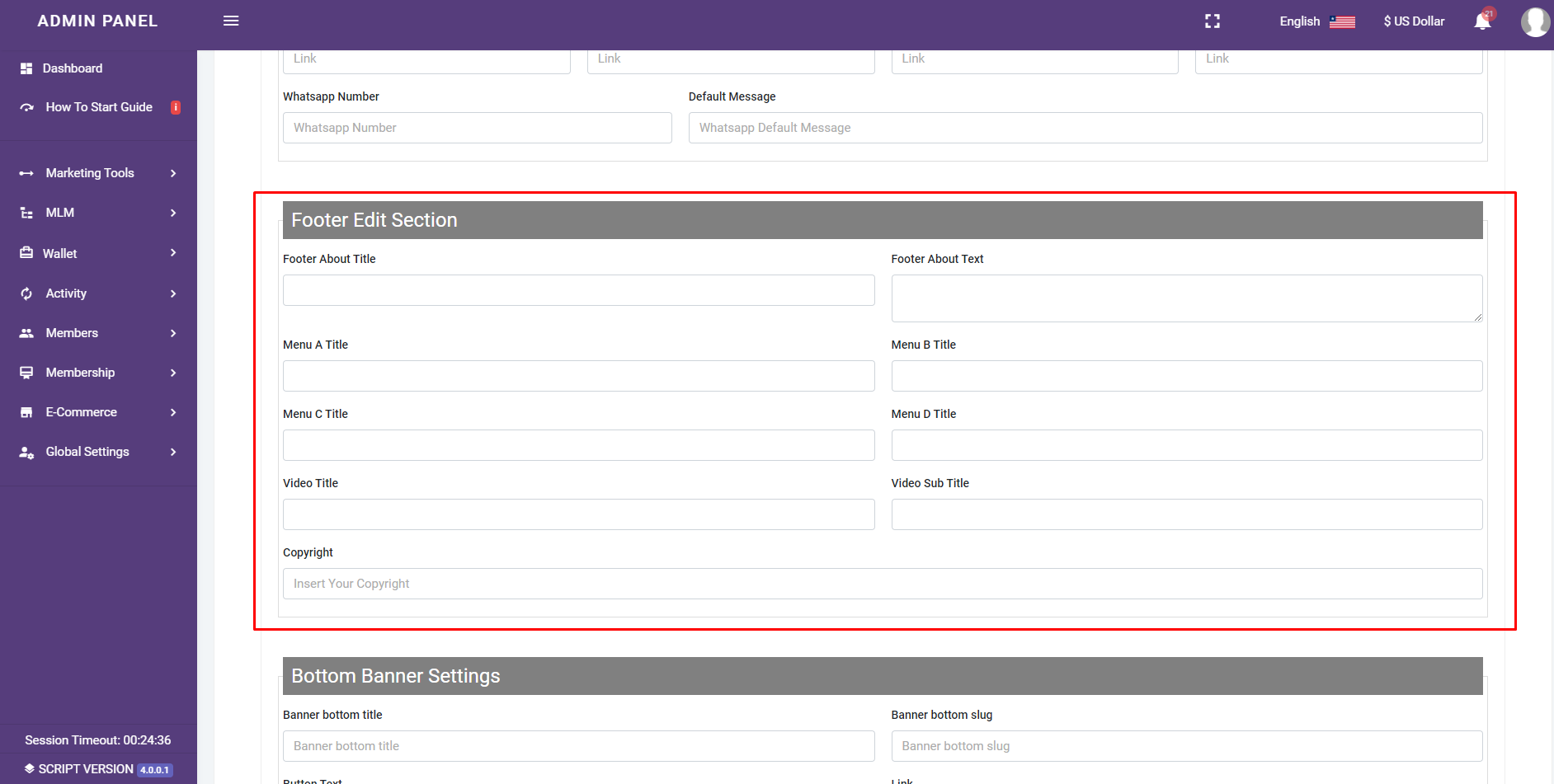
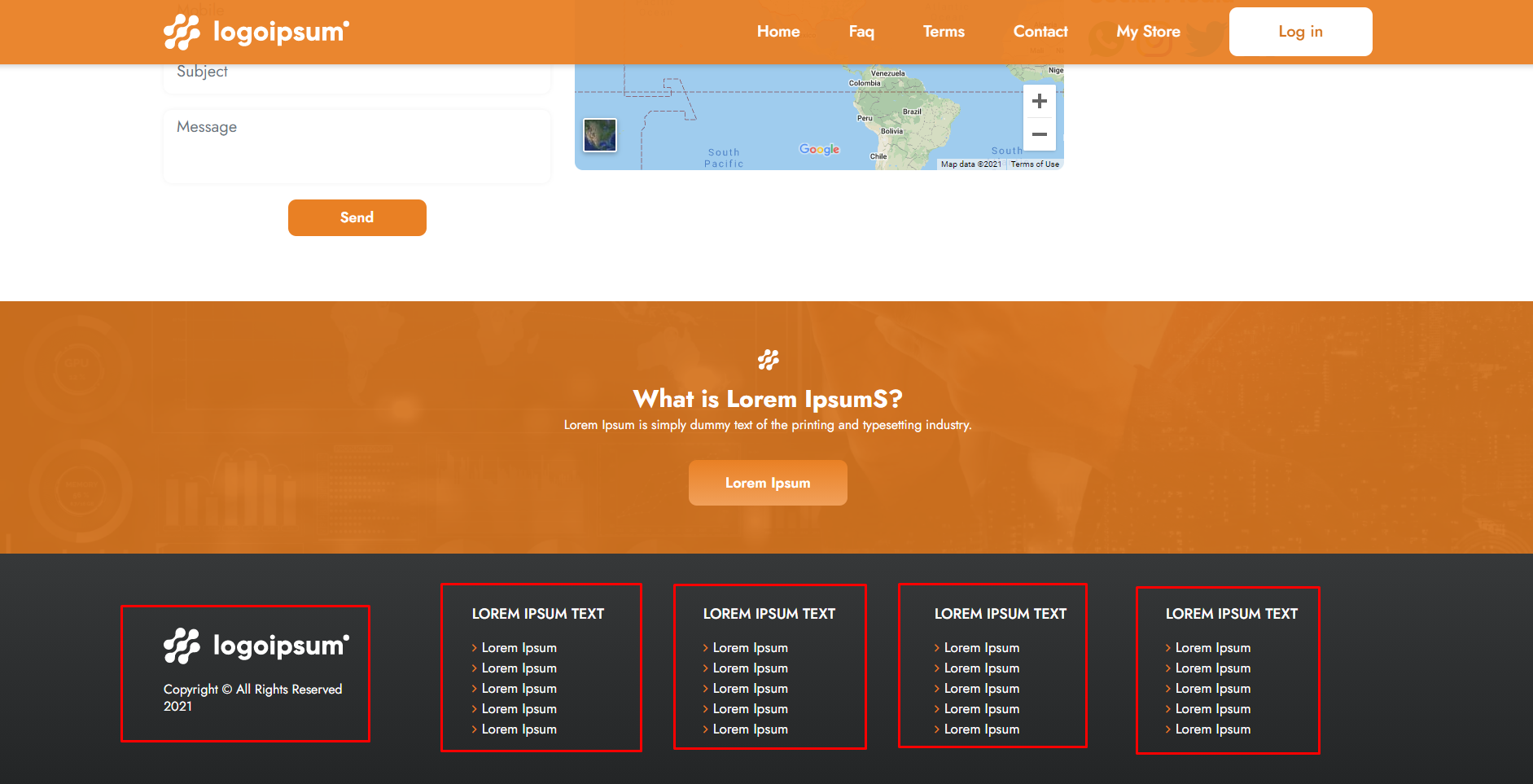
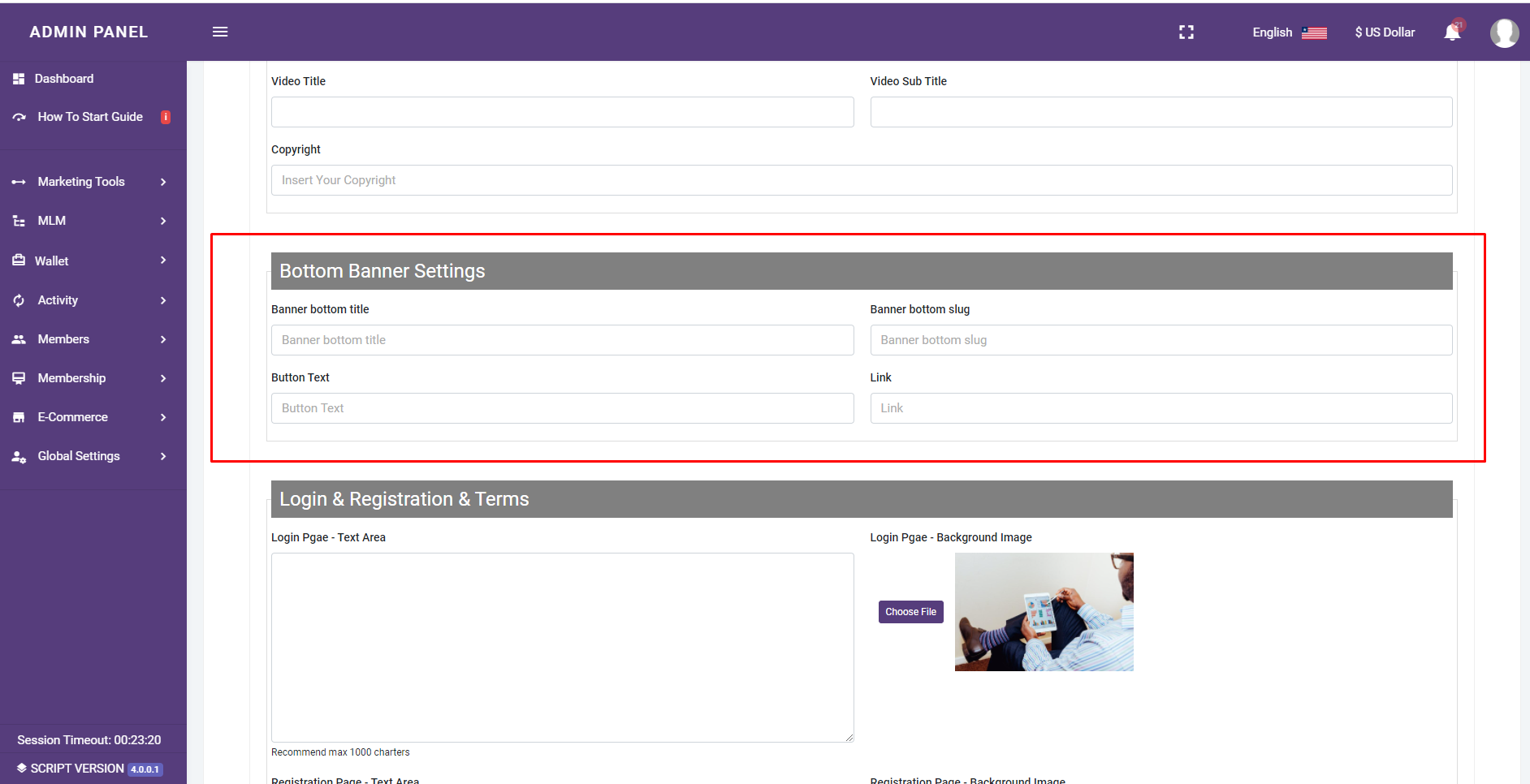
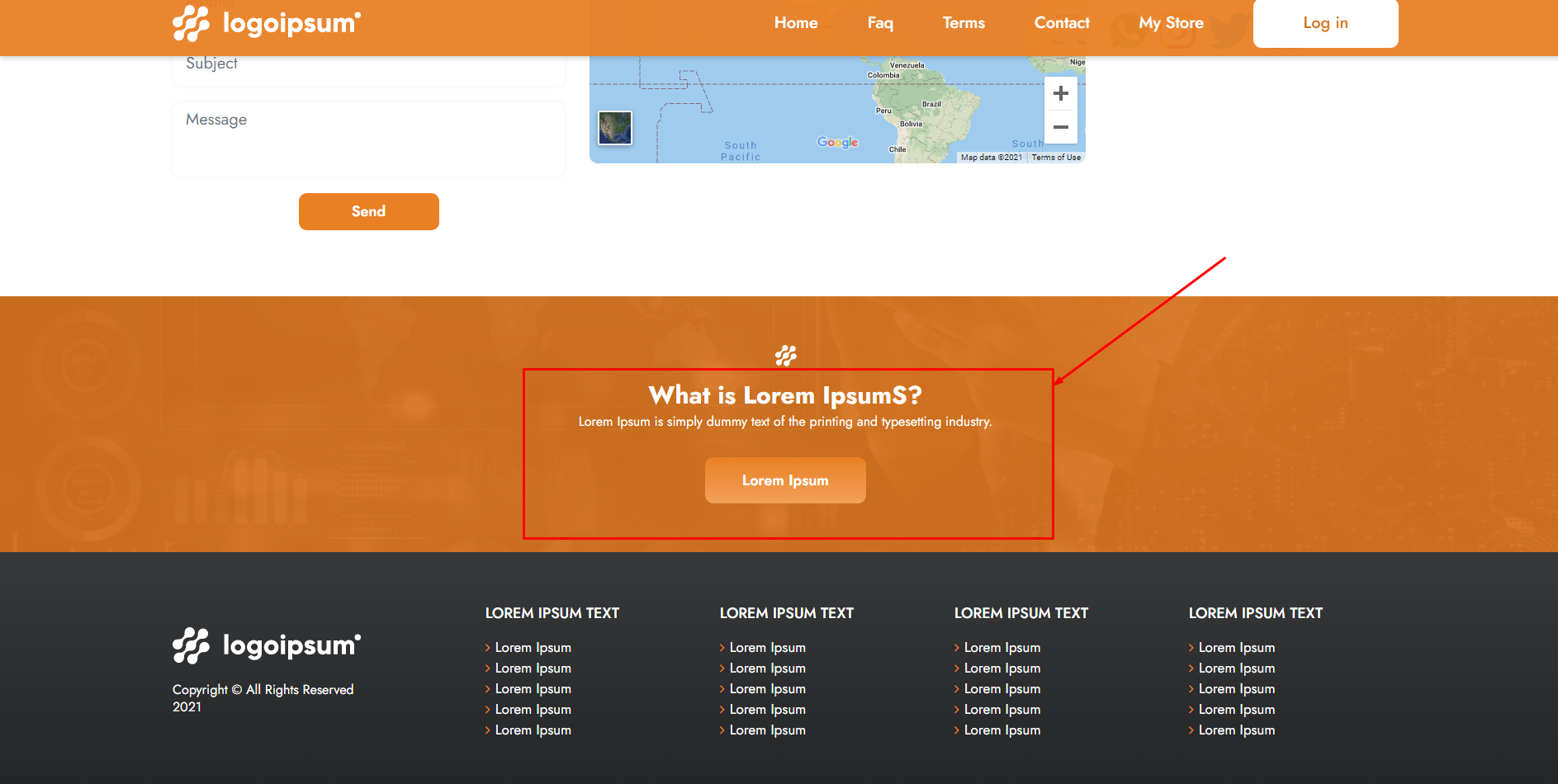
Add/Edit/Delete Theme Bottom Banner Section:
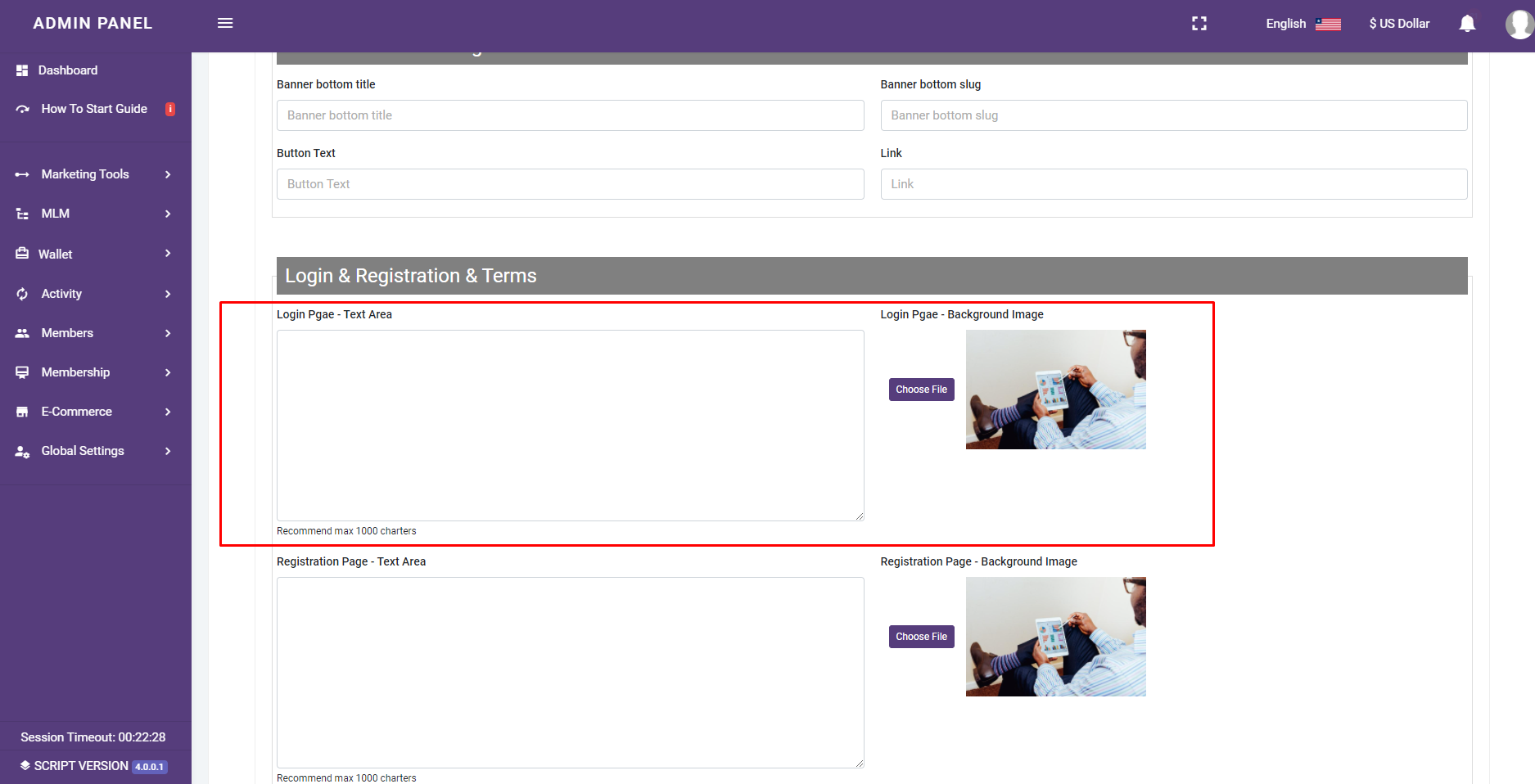
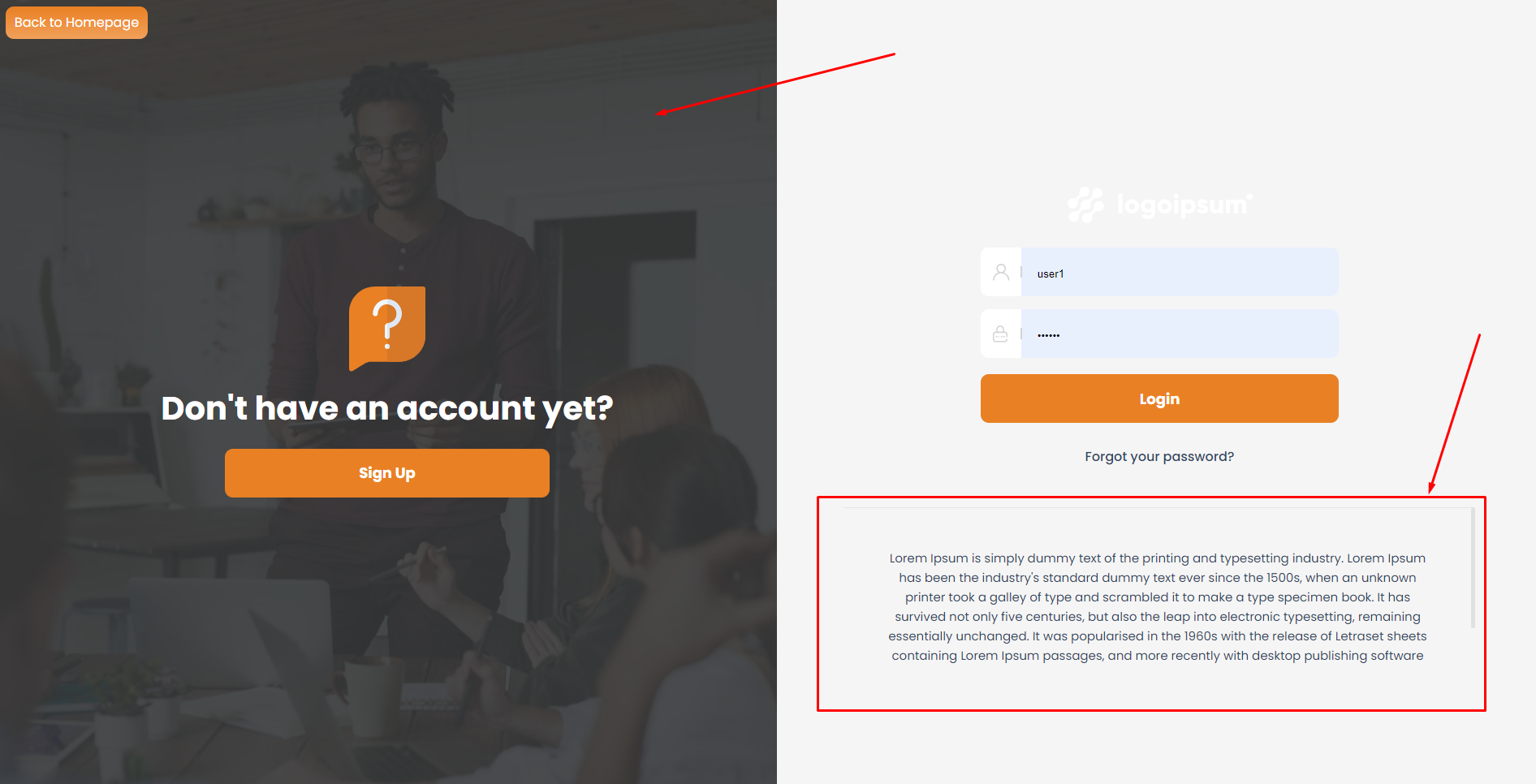
Edit Theme Login Page:
Edit Theme Registration Page:
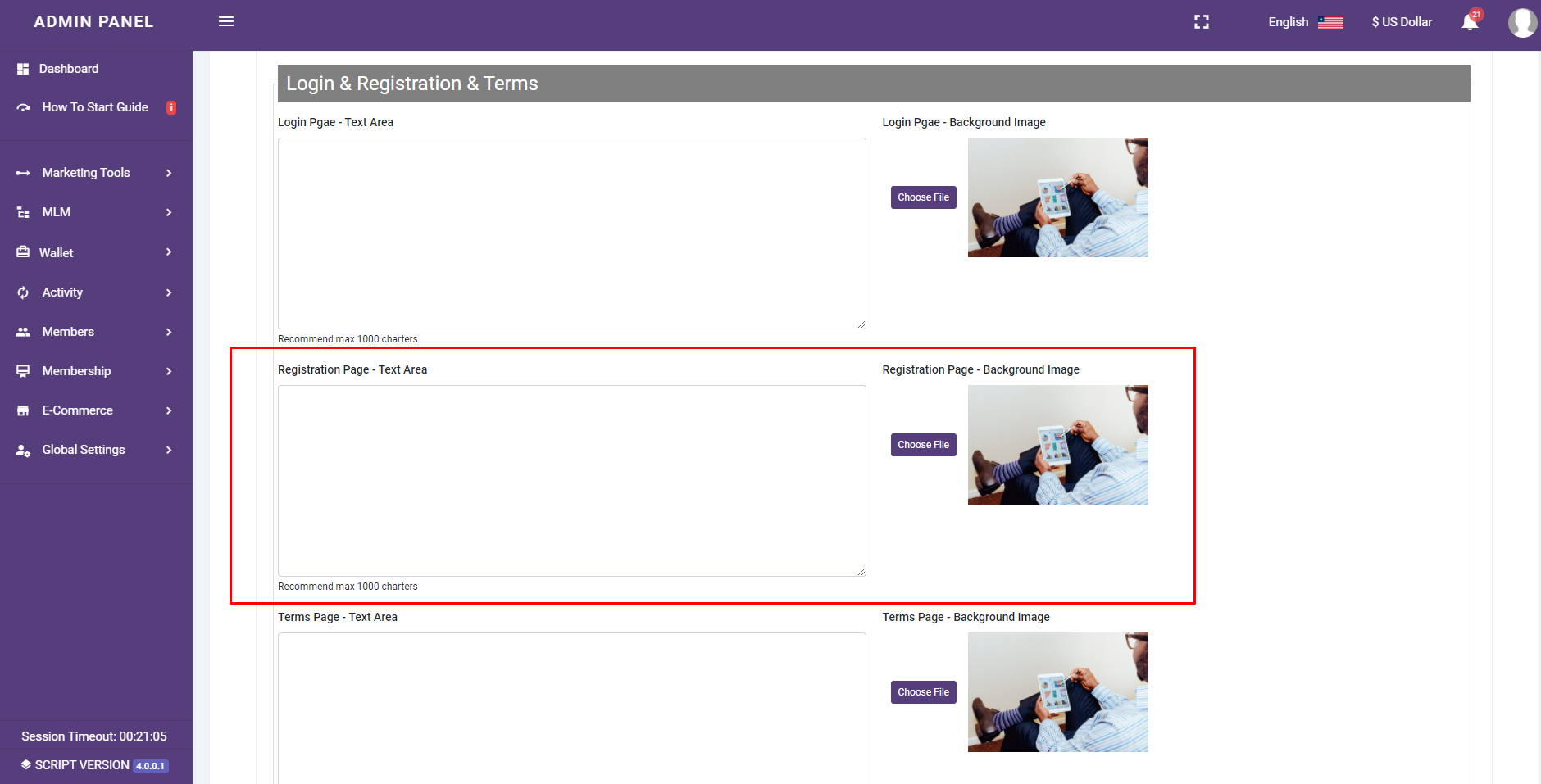

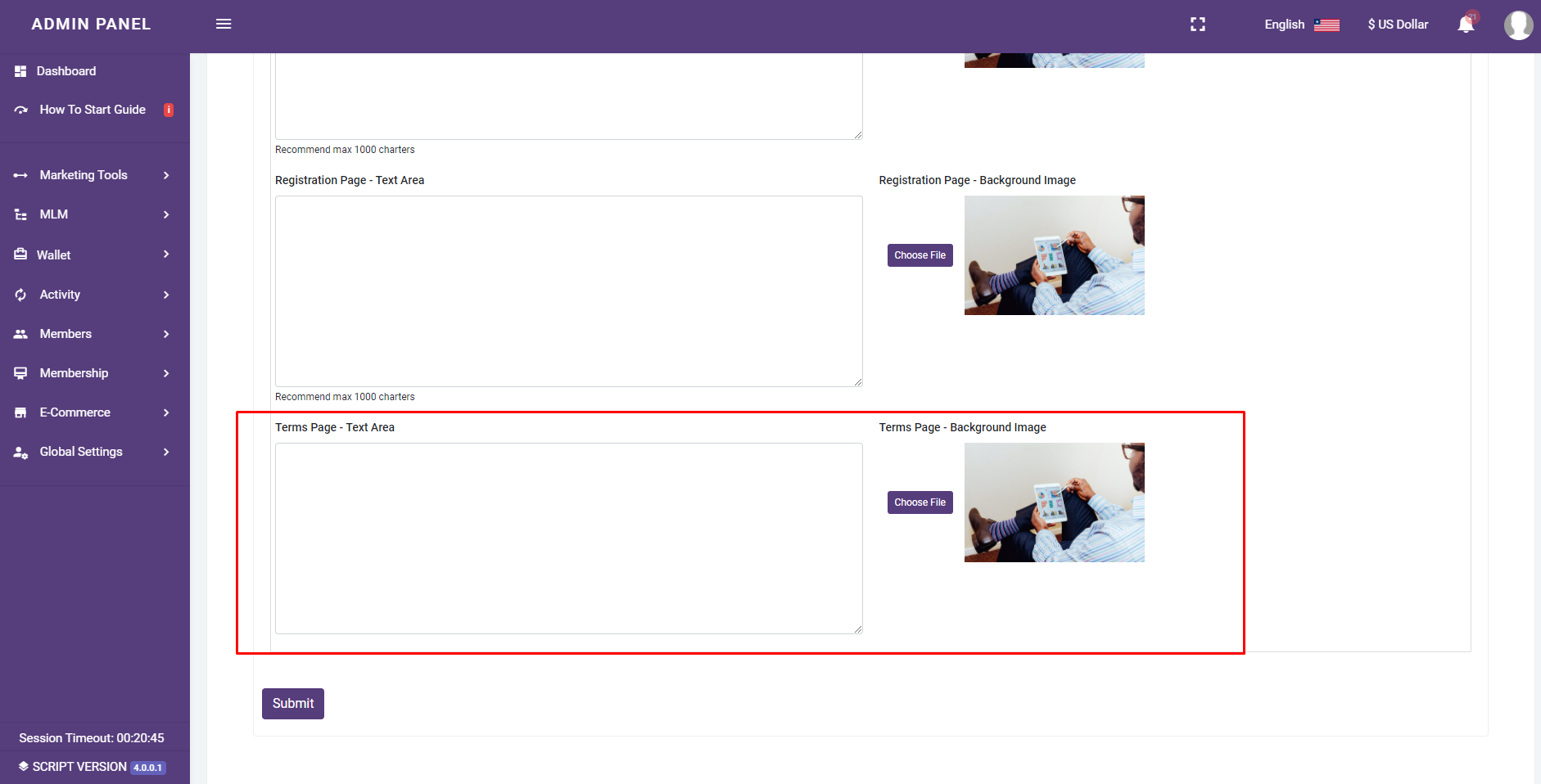
Edit Theme Terms Page: